

Updated October 2026 · 6 minute read
Most businesses do not have a website problem. They have a handover problem: the enquiry form lives in one tool, the contacts in another, and the follow up in somebody’s memory. This guide shows what a website built to work as one system actually looks like, and the order to connect the pieces.
- Leads are lost at handoffs, not at headlines. Every manual copy between tools is a place where a lead waits, cools down, or quietly vanishes.
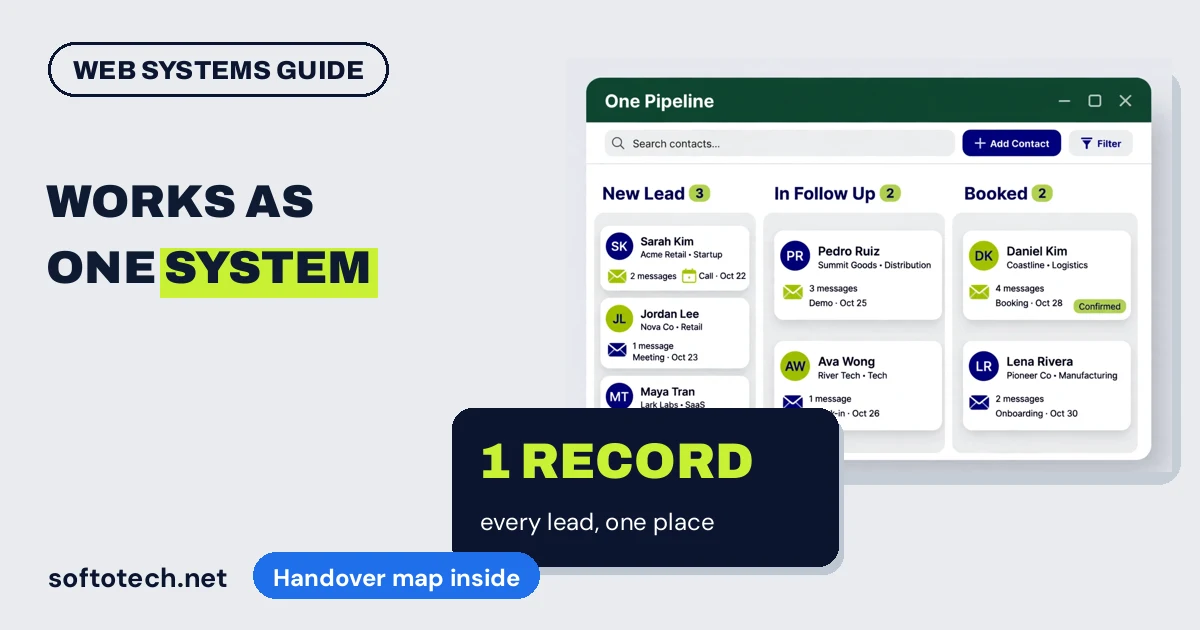
- Working as one means one contact record: form, chat, calls, emails and deals all land on the same person, in the same place.
- Connect in this order: website forms into the CRM first, then automatic assignment and confirmation, then follow up sequences, then reporting.
- One platform is not always the answer. Specialist tools can stay. They just have to be connected, not isolated.
The handover problem
The tools are rarely bad. The gaps between them are. A visitor fills in the form, and the enquiry lands in an inbox nobody checks until Monday. A chat conversation ends, and the transcript lives in the chat tool, disconnected from the customer record. Follow up depends on whoever remembers. The symptoms are so common they feel normal:
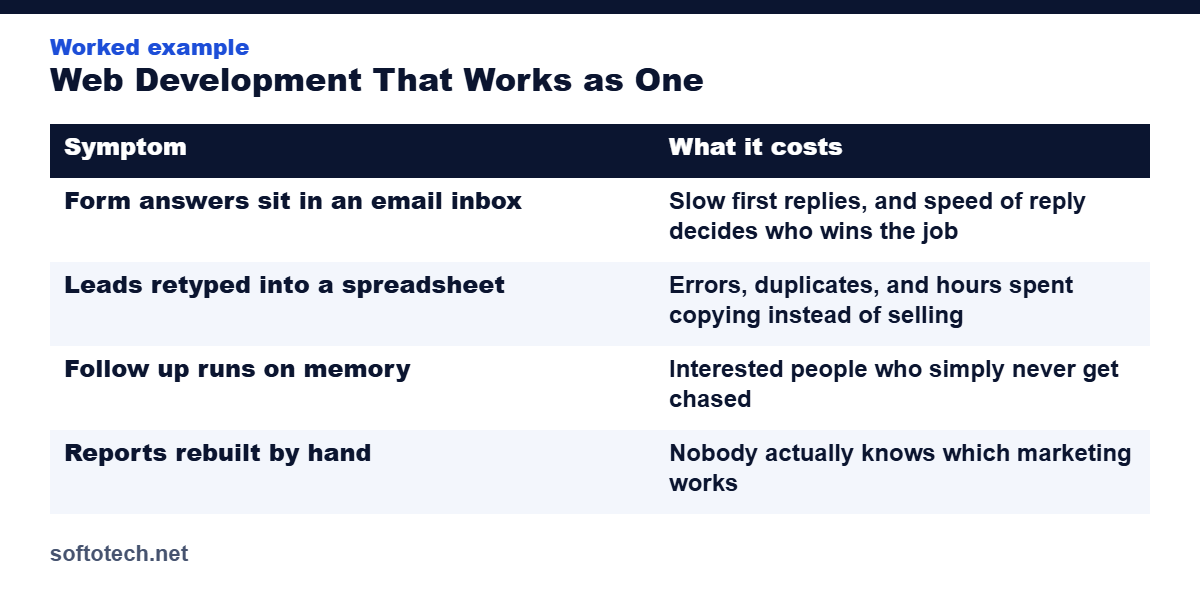
| Symptom | What it costs |
|---|---|
| Form answers sit in an email inbox | Slow first replies, and speed of reply decides who wins the job |
| Leads retyped into a spreadsheet | Errors, duplicates, and hours spent copying instead of selling |
| Follow up runs on memory | Interested people who simply never get chased |
| Reports rebuilt by hand | Nobody actually knows which marketing works |
What “works as one” actually means
Picture one enquiry travelling through a joined up system. The visitor submits the form. That single action creates or updates one contact record, tags where the lead came from, assigns an owner, sends the visitor an instant confirmation, and starts a follow up sequence that runs until a human conversation takes over. Calls, emails and appointments attach to the same record. The pipeline shows where every lead stands, and the weekly report builds itself from the same data.
Nothing in that picture is exotic technology. It is architecture: one record, automatic handoffs, no step depending on someone remembering.
The connection order
- Forms to CRM. Every website enquiry creates a record by itself, with its source attached. This is the highest loss point in most businesses, and the cheapest to fix.
- Assignment and confirmation. The record gets an owner automatically, and the lead hears back within moments, even if the real reply comes later.
- Follow up sequences. Email and SMS follow ups that trigger on behaviour: no reply, appointment booked, quote sent, quote quiet.
- Pipeline and reporting. One view of every opportunity and its stage, so follow up and marketing decisions run on facts.
Two routes: one platform, or connected tools
| Route | Best when | Watch out for |
|---|---|---|
| All in one platform, such as GoHighLevel | You want site, CRM, messaging, calendars and pipelines under one login, with handoffs built in | Migration effort up front, and some features are shallower than dedicated specialists |
| Best tools, properly connected | You already have tools the team loves and uses well | Integrations need maintaining, and subscriptions stack up |
Either route can work. What fails is the third option most businesses drift into: good tools, no connections, humans as the integration layer.
What not to unify
Working as one does not mean forcing the whole business into a single app. Accounting, inventory, and specialist delivery tools earn their separate existence. The goal is narrower and more valuable: no place where customer information or sales responsibility falls between two systems. Unify the customer thread, leave the specialists alone.
How we build it
This is the shape of our web development work. For many clients it is a GoHighLevel build, where the site, CRM, pipelines and automations are one platform from day one. For others it is a WordPress or Shopify site with the CRM and follow up properly connected behind it. Either way, we start by mapping the handoffs on your current setup and closing the worst gap first, usually the form.
Get your handoffs mapped
Tell us your current stack: website, CRM, email tool. We will show you where the leads are leaking between them, and quote the fix that closes the biggest gap first.
Questions
Do I need an all in one platform?
Not necessarily. You need the handoffs automated and the record unified. That can be one platform like GoHighLevel, or separate tools joined by solid integrations. The record must be one, even if the tools are several.
What should be connected first?
Website forms to the CRM, with automatic assignment and an instant confirmation to the lead. It is the highest loss point in most businesses and usually the cheapest connection to build.
What changes day to day when it works as one?
Nobody retypes enquiries, follow ups happen on schedule without relying on memory, and one screen shows every lead, its owner and its stage.
Can my existing website be connected, or must it be rebuilt?
Usually connected. Forms, chat and calendars can feed a CRM from an existing site. A rebuild is only needed when the site itself is the problem: slow, broken on mobile, or unable to support the forms and tracking the system needs.
Related guides
Sources
- BKThemes: 7 signs you are losing leads, and why you need a CRM, accessed October 2026
- PulsePrime: Stop losing leads between disconnected tools, accessed October 2026
Tahir Abbas
Founder of Softotech Solutions. Tahir’s team builds websites, GoHighLevel systems and CRM connections for agencies and small businesses. The handover map in this guide is the same first step his team runs on new web projects.