

Updated October 2026 · 6 minute read
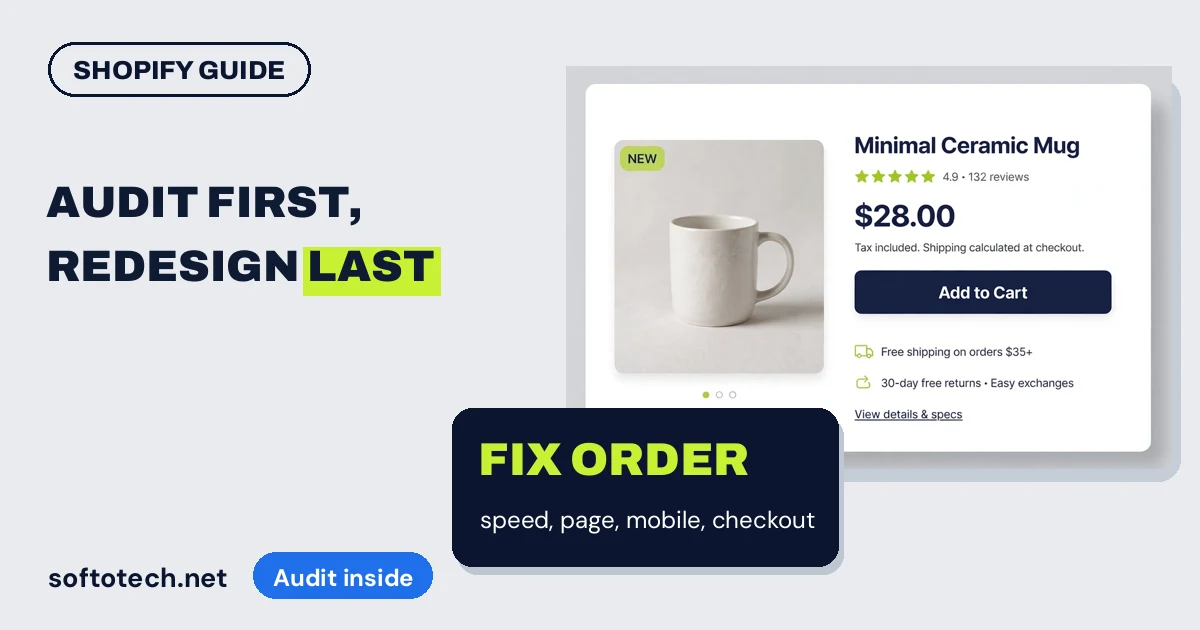
When Shopify sales stall, the instinct is a redesign. It is usually the wrong first move: visitors rarely leave because a store is ugly, they leave where it fights them. This guide audits a store in the order that fixes revenue: speed and apps, product pages, mobile, checkout, and only then design.
- A redesign is the last fix, not the first. Stores lose sales to friction: slow pages, buried prices, leftover app scripts and surprise costs at checkout.
- Start with speed and apps. Every app adds scripts to the storefront, and removed apps can leave code behind. The app list is audit step one.
- Fix the product page next: price, delivery cost and returns visible without hunting, one clear add to cart button, reviews where the eyes land.
- Buy your own store on your phone, start to finish. Anything that surprises you in that run surprises every customer first.
Why transformation rarely means a redesign
A store that converts badly usually has a short list of specific problems, and none of them are the colour palette. The product page loads slowly on phones. The delivery cost appears for the first time at checkout. Three apps nobody uses any more still inject scripts into every page. Fix those, and the same store, with the same design, sells more. A redesign that skips the audit rebuilds the same friction in a fresher skin.
Transform the store, yes. In this order.
Step 1: Speed and the app audit
Shopify handles hosting and its CDN well, so a slow Shopify store is almost always a store carrying too much: too many apps, too heavy images, an old theme loaded with extras. The platform’s own analysis underlines what is at stake: Shopify found stores loading in under a second converted at 2.5 times the rate of stores loading in five seconds.
Open your app list and interrogate every entry. Is it used weekly? Does it earn its place on the page? Uninstall what fails the test, then check for the Shopify special: code that apps leave behind in the theme after removal. Compress product images, convert to WebP where the theme allows, and lazy load everything below the fold. Test the top product pages in PageSpeed Insights, not just the homepage. They are where the money changes hands.
Step 2: The product page
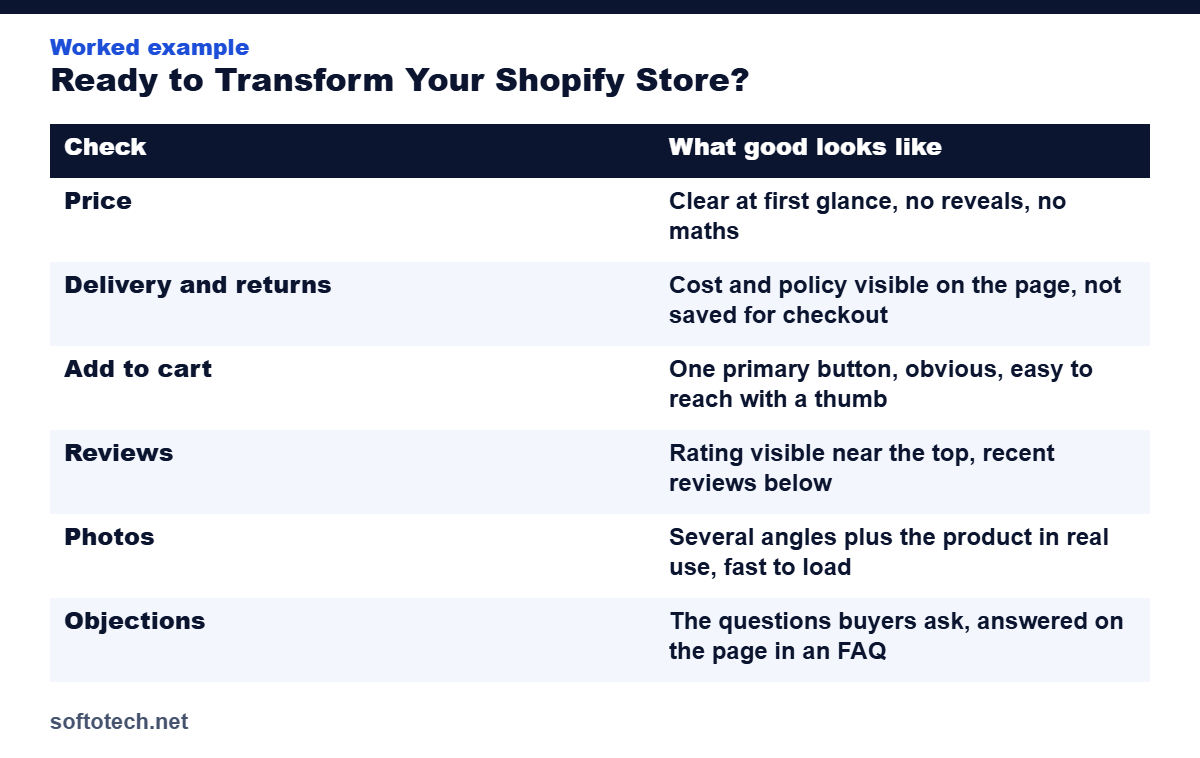
Most buying decisions happen here, so audit the top sellers first, on a phone, against this list:
| Check | What good looks like |
|---|---|
| Price | Clear at first glance, no reveals, no maths |
| Delivery and returns | Cost and policy visible on the page, not saved for checkout |
| Add to cart | One primary button, obvious, easy to reach with a thumb |
| Reviews | Rating visible near the top, recent reviews below |
| Photos | Several angles plus the product in real use, fast to load |
| Objections | The questions buyers ask, answered on the page in an FAQ |
Step 3: Mobile, where the buying happens
For most stores the phone is the shop floor. Walk it as a stranger: can you find a bestseller from the homepage in three taps? Does the menu work one handed? Does the add to cart button stay reachable while scrolling, or does it vanish above the fold? Are tap targets sized for thumbs rather than mouse pointers? Every small fight on mobile is paid for in abandoned sessions, and desktop testing hides all of them.
Step 4: Checkout, where the money is lost
The most expensive surprise in ecommerce is a cost the buyer meets for the first time at checkout. Show shipping early, keep the path to payment short, let people check out as guests, and switch on the express payment options your buyers already trust. Then run a complete test order on your phone and read everything the buyer reads, including the emails. Friction hides in the confirmation message as often as in the cart.
Step 5: Only now, design
After the audit, some stores genuinely do need design work: a theme so old it cannot be made fast, a layout that buries the product on phones, branding that undersells the quality of the goods. Now a redesign earns its budget, because it is fixing a named problem instead of decorating over unnamed ones, and because you have before numbers to judge it against.
How we transform stores
Our Shopify work starts with this audit, in this order, and the findings decide the scope: app and speed cleanup for some stores, product page rebuilding for others, a full custom build only when the evidence points there. You get the audit notes and the before and after numbers either way.
Get your store audited
Send us your store link. We will run the audit, name the friction in order, and quote the fixes as a fixed price. No redesign sold where a cleanup will do.
Questions
Does my Shopify store need a redesign?
Probably not first. If visitors can find products, prices and delivery costs are clear, pages load fast and checkout has no surprises, design is rarely the bottleneck. Audit the friction first, and redesign when the audit shows the theme itself is the problem.
What should a Shopify audit check first?
Speed and apps. App scripts are the most common hidden weight on Shopify stores, loading on every page whether the feature is used or not, and removed apps can leave code behind in the theme.
How fast should a Shopify store load?
Under 2.5 seconds for the main content on mobile, the standard LCP target. Shopify’s own analysis found stores loading in under a second converted at 2.5 times the rate of stores loading in five seconds.
How often should I audit my store?
A focused audit monthly, covering speed, the top product pages and the checkout, and a full audit quarterly. Run an extra one after any theme change or major app install.
Related guides
Sources
- Extensions Market: Shopify product page optimization, 10 point checklist (citing Shopify’s 2024 speed and conversion analysis), accessed October 2026
- Arctic Leaf: Shopify fixes, a prioritized checklist, accessed October 2026
Tahir Abbas
Founder of Softotech Solutions. Tahir’s team builds and optimizes Shopify and WordPress stores for agencies and small businesses. The audit order in this guide is the same one his team runs before quoting store work.