

Updated October 2026 · 6 minute read
A CRM full of duplicates, dead emails and five spellings of the same company is not a sales tool, it is a guessing game. This guide cleans it up in the order that works: audit first, then dedupe, standardize, verify and enrich, and finish with a small routine that keeps it clean.
- Clean a CRM in 5 steps, in this order: audit, merge duplicates, standardize formats, verify and enrich, then set a monthly upkeep routine.
- The order matters. Verifying before deduping means paying to check the same person two or three times.
- Archive old contacts instead of deleting them. Campaigns stay clean and the history stays searchable.
- Data decays on its own. Around 30% of B2B contact data goes stale every year, so a cleanup is a routine, not a one time event.
What data chaos actually looks like
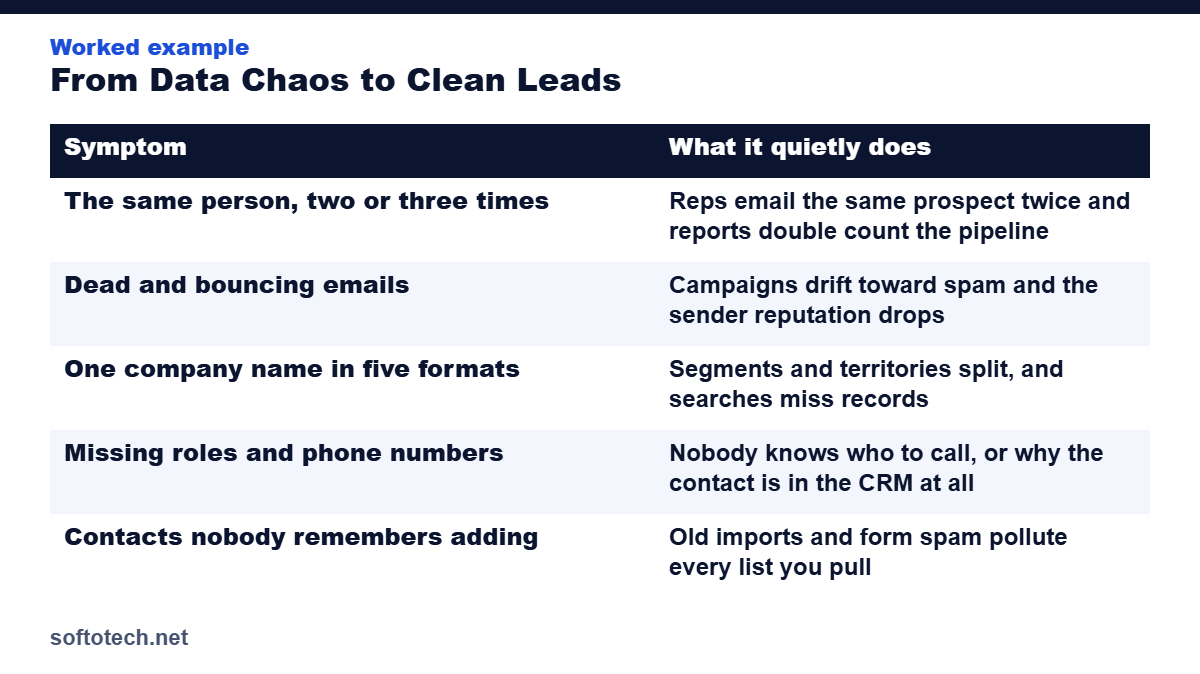
Data chaos rarely announces itself. The CRM opens fine and the contact count looks impressive. The damage shows up in the daily work:
| Symptom | What it quietly does |
|---|---|
| The same person, two or three times | Reps email the same prospect twice and reports double count the pipeline |
| Dead and bouncing emails | Campaigns drift toward spam and the sender reputation drops |
| One company name in five formats | Segments and territories split, and searches miss records |
| Missing roles and phone numbers | Nobody knows who to call, or why the contact is in the CRM at all |
| Contacts nobody remembers adding | Old imports and form spam pollute every list you pull |
The cost is real money. In Validity’s State of CRM Data Health research, 44% of respondents estimated that their company loses over 10% of annual revenue because of poor CRM data. The losses rarely look like a data problem. They look like missed forecasts, campaigns sent to the wrong people and renewals that quietly slipped away.
Step 1: Audit before you touch anything
Export everything first and keep that export untouched. It is your backup and your measuring stick. Then count what you actually have:
- Total records, and how many were touched in the last twelve months.
- Duplicate rate: how many contacts appear more than once.
- Missing fields: the share of records with no email, no role or no phone.
- Last campaign’s bounce rate, which shows how much of the list is already dead.
The audit also decides the scope honestly. Some CRMs need a light pass over one segment. Others need all five steps across the whole database. Guessing at this stage is how cleanups stall halfway.
Step 2: Merge duplicates, do not just delete them
Work through the duplicates in a fixed matching order: exact email first, then name plus company, then phone number. Where two records describe the same person, merge them into one. Merging keeps the full history, the notes, the emails and the deals from both records. Deleting one copy throws that history away.
Do this step before any verification. Every duplicate you merge now is a contact you do not pay to verify twice later.
Step 3: Standardize formats and fields
With one record per person, make every record follow the same rules:
- Company names in one format, with one rule for suffixes like Inc and LLC.
- Job titles mapped to a fixed list, so VP Sales is not also written four other ways.
- Phone numbers in one international format.
- Country, state, lead source and status picked from dropdown values, never typed freehand.
This is the least glamorous step and the one that pays longest. Segments, territories, routing rules and reports all depend on records that follow the same shape.
Step 4: Verify and enrich what is left
Now, and only now, verify. Run the remaining emails through a verification tool, spot check that people are still in the roles listed, and remove or archive what fails. Because the list was deduped and standardized first, every check runs once, on the right record.
Then enrich the gaps: the missing role, the direct phone, the company size and industry that make a record usable. These are the same four checks we use on every list we build, set out in our guide to how verified leads boost revenue.
Step 5: Keep it clean with a monthly routine
A cleanup resets the clock, it does not stop it. People change jobs and companies every week, which is why around 30% of B2B contact data goes stale within a year. A small routine holds the line:
- Monthly: dedupe new imports, and fix or archive every address that bounced.
- Quarterly: re-verify the active segment and re-run the audit numbers.
- At the door: required fields on every form, dropdowns instead of free text, and one import checklist that nobody skips.
How long does a CRM cleanup take?
It depends on the size of the database and the damage the audit finds, but most teams can plan on this shape:
| CRM size | What to plan on |
|---|---|
| Up to 5,000 records | A few focused days |
| 5,000 to 50,000 records | Two to four weeks, worked in stages |
| Over 50,000, or years of neglect | A staged project, cleaned segment by segment |
Work in stages either way. Clean the segment the team sells from first, so outreach improves within days while the rest of the database follows.
How we clean a CRM at Softotech
This is the exact sequence we run on client CRMs and lead databases, usually inside the export or spreadsheet the client already uses. We start with a short audit of a sample, quote a fixed price for the full cleanup, and hand back a database the team can trust, with the monthly routine written down so it stays clean.
Data work is where this company started, and it still sits behind a large share of our 6,000 plus projects across more than ten years. The lists behind our weekly lead delivery for VaynerMedia stay accurate because this routine runs on them every month, not once.
Get your CRM cleaned, and keep it clean
Send us a sample export. We audit it, quote a fixed price, and return a CRM your team can sell from, with the upkeep routine included.
Questions
How often should a CRM be cleaned?
Light upkeep every month, and a full audit every quarter. Contact data decays at roughly 30% a year, so a single yearly cleanup always arrives too late.
Should I delete old contacts from my CRM?
No. Archive them or mark them inactive instead. Deleting loses history and can break old reports, while archiving keeps contacts out of campaigns and keeps the record searchable.
What order should a CRM cleanup follow?
Audit, dedupe, standardize, verify and enrich, then upkeep. Any other order wastes work, for example paying to verify the same duplicate two or three times.
Can I clean my CRM myself?
Yes, if the database is small and you follow the five steps in order. Most teams hand it over when the CRM is large or the mess is years deep, because the hours compete with selling time.
Related guides
Sources
- Validity: The State of CRM Data Health report, accessed October 2026
- Cleanlist: How to clean your CRM data, a step by step guide, accessed October 2026
- Prospeo: CRM data cleansing services, what you need in 2026, accessed October 2026
Tahir Abbas
Founder of Softotech Solutions. Tahir’s team cleans CRMs and lead databases for agencies and small businesses as part of its data work, including the lists behind weekly lead delivery for VaynerMedia. The five steps in this guide are the same ones his team runs on client databases.